Menu: NetXploreit Client> Settings > Server
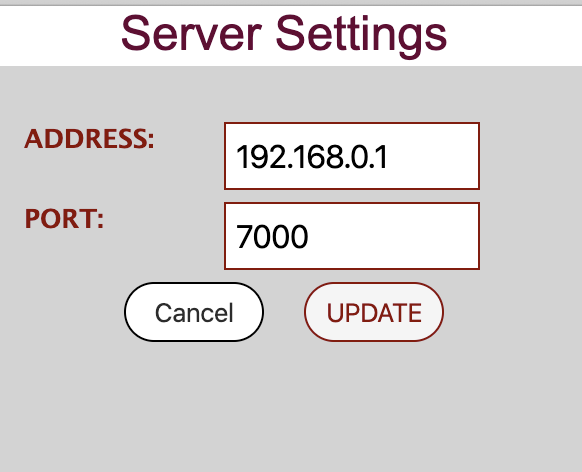
In the dialogue box enter server address and port.
If no value is provided, setting defaults to 192.168.0.1:7000.
Make sure that the IP port used matches that on the server.

Menu: NetXploreit Client> Settings > Server
In the dialogue box enter server address and port.
If no value is provided, setting defaults to 192.168.0.1:7000.
Make sure that the IP port used matches that on the server.