
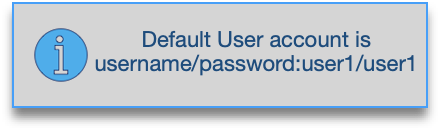
To log-in click on the button at the upper right corner of the main screen, then provide your User username and password.
To be able to log-in you must have a User account. Administrators can also log-in with their accounts.
After a successful log-in, the caption next to log-in button will change to “logged in as (user1)”, and the indicator at the lower left corner will change to green with “connected” status.
To log-out use Menu: User > Logout